
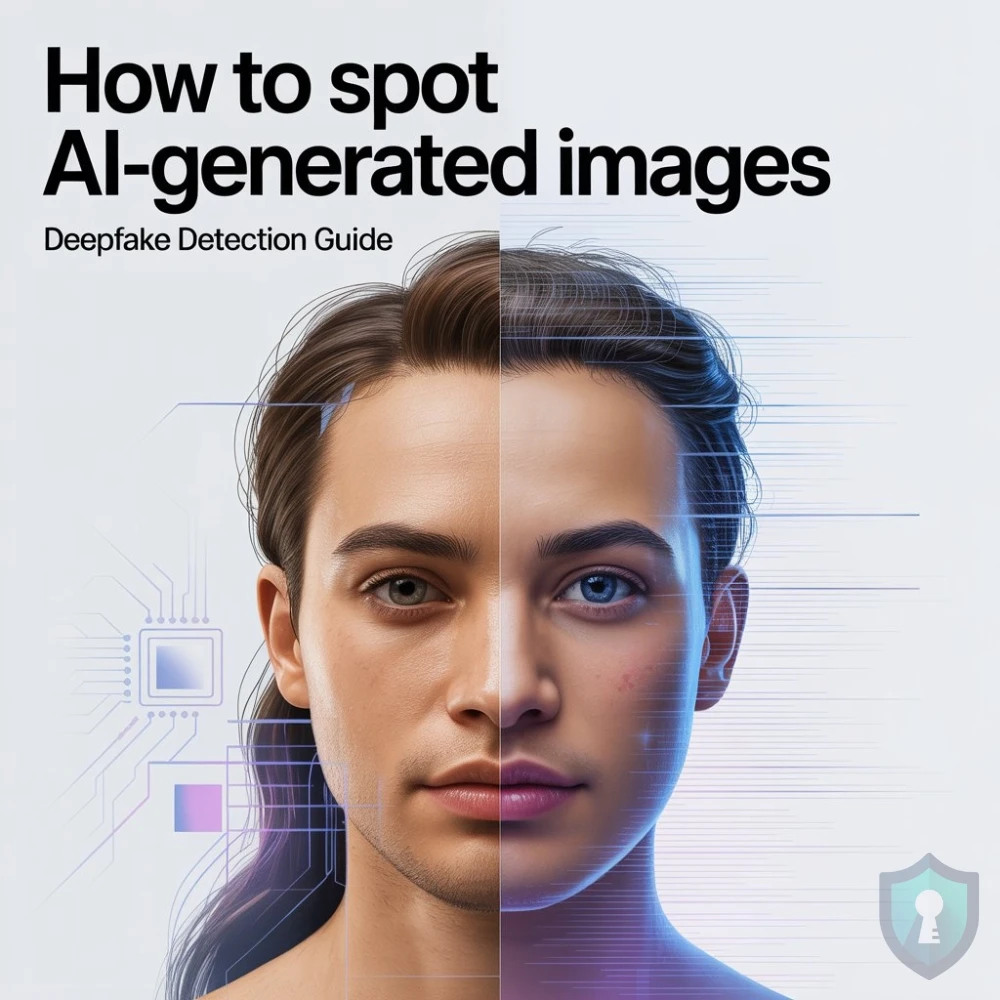
You scroll through X (Twitter) and see a photo of a politician getting arrested. Or maybe a celebrity endorsing a crypto scam. It looks hyper-realistic.
But something feels… off.
Welcome to the age of Deepfakes. Artificial Intelligence (like Midjourney and DALL-E) has become so advanced that it can generate photorealistic images in seconds. Scammers use these to create fake profiles for Pig Butchering Scams or to spread viral misinformation.
Can you trust your own eyes? Not anymore. But AI is not perfect. It leaves behind digital “fingerprints” if you know where to look.
In this guide, we will show you the 4 “Tell-Tale Signs” that an image was made by a machine, not a camera.
Sign 1: The “Glazed” Skin Texture
The most common giveaway in AI portraits is perfection.
Real cameras capture pores, blemishes, and tiny imperfections. AI models tend to smooth everything out. Look for “The Plastic Look”:
- Skin: Is it overly smooth, glowing, or waxy? (Like a video game character).
- Hair: Does it look like a solid “helmet” or blur into the background? Real hair has individual strands.
- Lighting: Is the lighting too dramatic? AI often defaults to “cinematic” lighting that doesn’t match the background environment.
Sign 2: The Anatomy Test (Hands & Ears)
AI struggles with complex human anatomy. It often “guesses” what a hand looks like, and it guesses wrong.
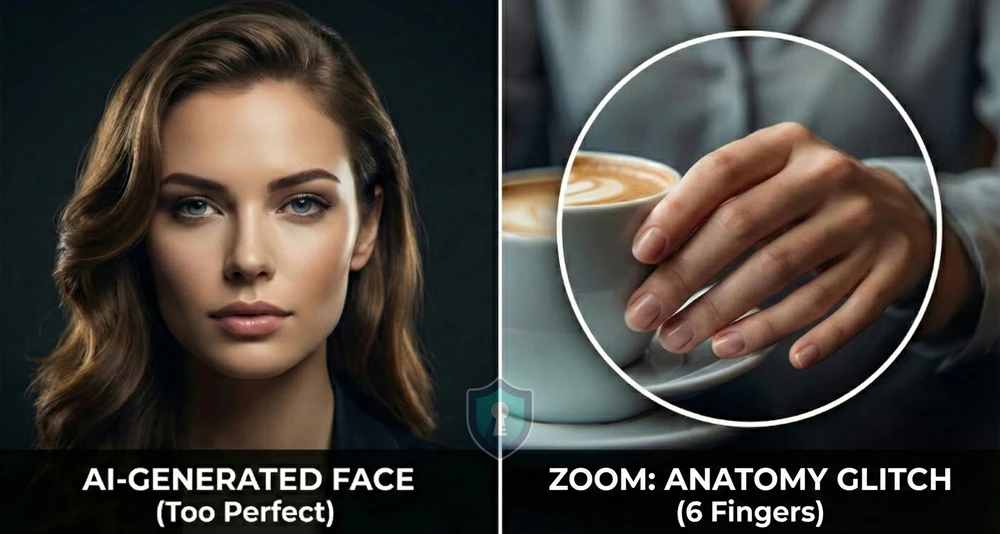
The “Hand Check”: Always count the fingers.
- Does the person have 6 fingers?
- Are the fingers unusually long or “melted” together?
- Is the hand holding an object (like a coffee cup) in a way that defies physics?
The “Ear Check”: Look closely at the ears. AI often draws mismatched ears or ears that blend into the hair. Jewelry (earrings) often looks melted or asymmetrical.
Sign 3: The Background Logic (Dream Logic)
AI focuses heavily on the subject (the person) and often neglects the background.
Zoom into the crowd or the scenery behind the person.
- The “Faceless” Crowd: In AI images, people in the background often have blurred, nightmare-ish faces or missing limbs.
- Nonsense Text: Look at street signs, billboards, or logos on T-shirts. AI rarely spells words correctly. It usually generates alien-looking gibberish symbols.
Intel Tip: If you see a text message screenshot in a scam, use our Fake Profile Checklist to see if the username matches the context.
Sign 4: The Tool Test (Verification)
If your eyes can’t decide, use a tool.
1. Reverse Image Search As we learned in our Reverse Image Search Guide, AI images are unique. They have never existed before.
- If you search for the image on Google/TinEye and get zero results, it is highly suspicious.
- Real viral photos usually appear on news sites. AI photos often only exist on social media.
2. AI Detection Tools You can upload the image to a specialized detector.
- Hive Moderation (Free Demo): One of the industry leaders in detecting AI artifacts.
- AI or Not: A simple web tool for quick checks.
Summary: The “REAL” Checklist
Before you share that shocking photo, run the REAL test:
- Reflections: Do the eyes reflect the same light source?
- Ears & Hands: Are there 5 fingers? Are the ears normal?
- Artifacts: Is the text in the background gibberish?
- Lighting: Is the skin too smooth or plastic-looking?
The Bottom Line
AI is getting better every month, but it still cannot replicate the messy, imperfect reality of a photograph. If an image looks “too perfect,” it probably is.


