
If you read our breakdown on Why SMS 2FA is Dangerously Insecure, you know that relying on your phone number to protect your digital identity leaves you wide open to SIM Swapping and SS7 interception.
To achieve true Operational Security (OPSEC), you must transition your accounts to cryptographic authentication methods that do not rely on cellular networks or fallible customer service agents.
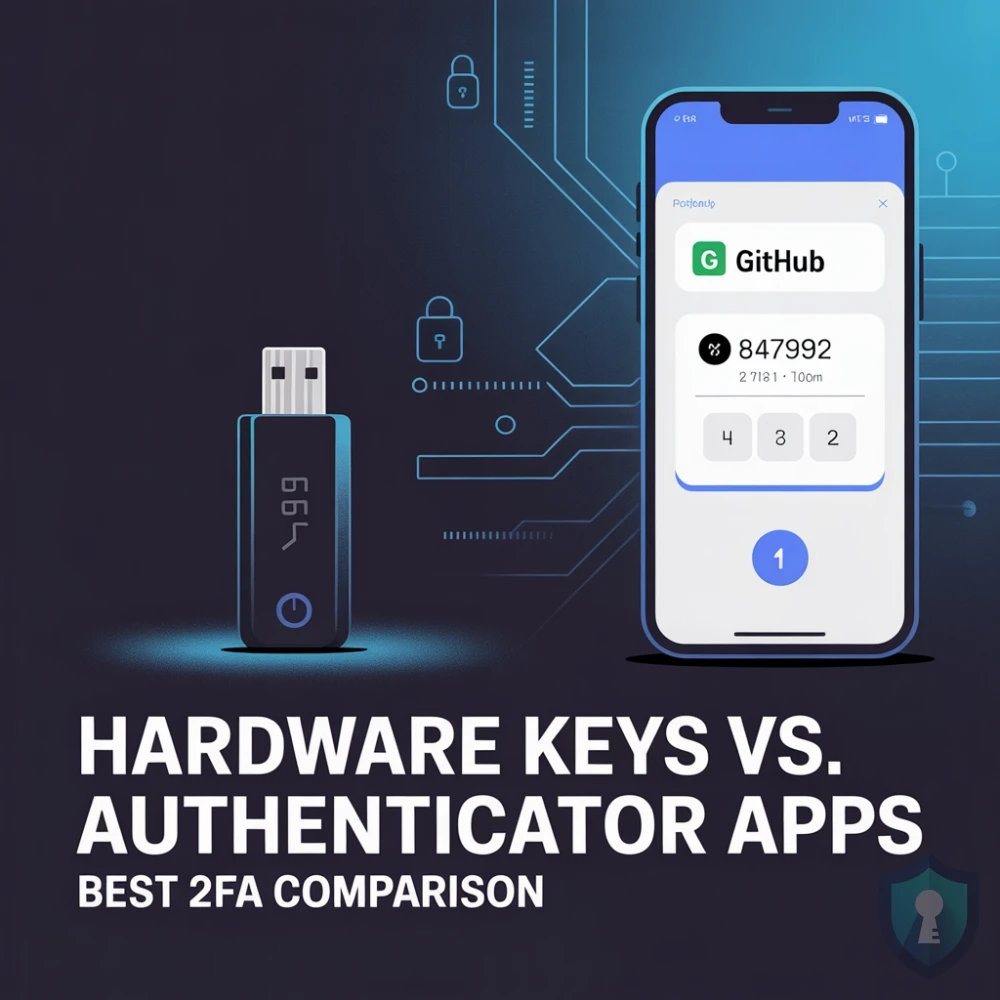
Currently, there are two elite standards for Two-Factor Authentication (2FA): Authenticator Apps and Hardware Security Keys. Here is the investigator’s guide to how they work, the critical differences in how they handle phishing attacks, and which one you should trust with your digital life.
1. Authenticator Apps (TOTP)
An Authenticator App is a piece of software installed on your smartphone (like Aegis, Ente Auth, or Google Authenticator). When you log into a website, you open the app to retrieve a 6-digit code that changes every 30 seconds.
This system is called TOTP (Time-Based One-Time Password).
When you first set up the app with your bank or crypto exchange, the website gives you a QR code to scan. That QR code contains a “shared secret” mathematical key. Your phone’s app and the website’s server use that shared secret, combined with the current time, to generate the exact same 6-digit code simultaneously.
- The Pros: It is 100% offline. Because the code is generated mathematically on your physical device based on the time, your phone does not need an internet or cellular connection. Hackers cannot intercept the code over the telecom network.
- The Cons (The Phishing Flaw): While TOTP defeats SIM Swapping, it does not defeat advanced phishing. If a hacker tricks you into visiting a fake website (e.g.,
paypa1.com), you will look at your Authenticator App and manually type the 6-digit code into the hacker’s site. The hacker’s automated script instantly relays that code to the real website, logging in and bypassing your 2FA in real-time.
Investigator Tip: If you use an Authenticator App, avoid proprietary apps tied to big tech ecosystems. Use free, open-source privacy apps like Aegis (for Android) or Ente Auth (for iOS/Cross-platform) that allow you to locally backup your encrypted 2FA seeds.
2. Hardware Security Keys (FIDO2 / WebAuthn)
A Hardware Security Key is a physical, cryptographic USB device that you plug into your computer or tap against your phone (via NFC) to prove your identity. The undisputed industry leader is the YubiKey (manufactured by Yubico in Sweden and the USA).
This utilizes the FIDO2 / U2F protocol, and it is the absolute gold standard of digital security. It is the exact technology used by Google to eliminate successful phishing attacks among their 85,000+ employees.
Here is why FIDO2 is vastly superior to a 6-digit code: Cryptographic Domain Binding.
When you register a YubiKey with a website (like binance.com), the key creates a unique cryptographic lock that is mathematically tied to that exact URL. If a hacker sends you a phishing link to bínance.com (using a fake accented ‘í’), and you plug in your YubiKey and tap the gold sensor, the key will silently refuse to authenticate. The hardware key communicates with your web browser, realizes the domain does not perfectly match the real website, and blocks the login. It completely removes human error from the equation. You cannot be phished because the hardware physically will not let you hand over the credentials.
- The Pros: Literally unphishable. Immune to SIM swapping, malware interception, and human error. It is the ultimate OPSEC defense for high-value targets.
- The Cons: It costs money. Furthermore, if you lose your physical key and do not have a backup, you can be permanently locked out of your own accounts.
The Ultimate Setup Strategy
You do not have to choose just one. Professional investigators use a hybrid approach to maximize both security and redundancy.
- Buy Two Hardware Keys: Never buy just one FIDO2 key. Buy a primary key (to keep on your keychain) and a backup key (to lock in a physical safe at home). Register both keys to your most critical accounts: your Password Manager, your primary Email, and your Financial/Crypto accounts.
- Use TOTP for the Rest: Not every website supports FIDO2 hardware keys yet. For lower-risk forums, social media, and sites that only offer app-based 2FA, use a secure, open-source Authenticator App.
- Delete Your Phone Number: Once your hardware keys and authenticator apps are configured, go into the security settings of every account and permanently delete your phone number as a recovery method.
Summary: The 2FA Defense Matrix
| Feature | SMS (Text Message) | Authenticator App (TOTP) | Hardware Key (FIDO2) |
|---|---|---|---|
| Defeats SIM Swapping? | ❌ No | ✅ Yes | ✅ Yes |
| Works Offline? | ❌ No | ✅ Yes | ✅ Yes |
| Defeats Real-Time Phishing? | ❌ No | ❌ No (Can be tricked) | ✅ Yes (Domain Binding) |
| Investigator Rating | DANGEROUS | SECURE | IMPENETRABLE |
The Bottom Line
Your digital security is only as strong as its weakest link. A 20-character unique password is useless if a hacker can bypass your 2FA by socially engineering your phone provider. Upgrading from SMS texts to an Authenticator App is a massive leap forward, but if you hold cryptocurrency, run an online business, or operate under a serious threat model, investing in a pair of hardware security keys is the cheapest, most effective insurance policy you will ever buy.


