
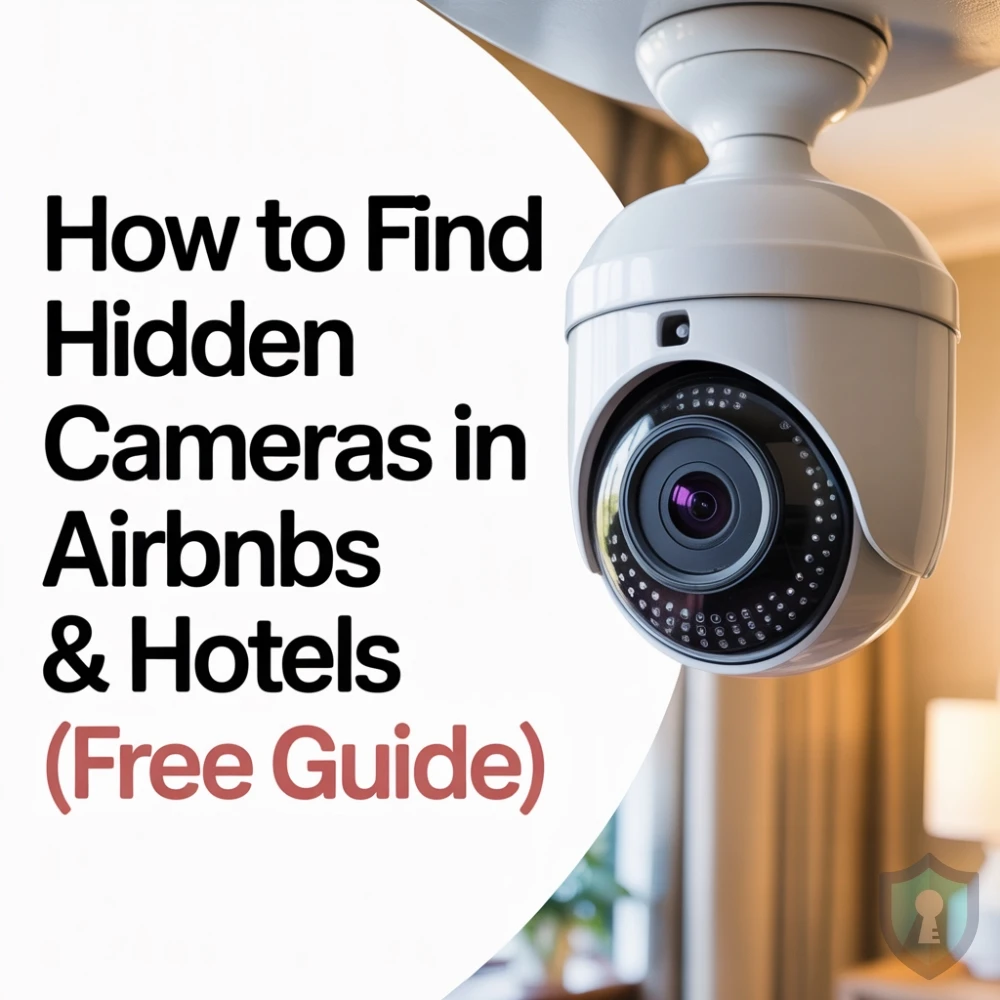
You just unlocked the door to your vacation rental. The place looks great. But as you set down your bags, a thought crosses your mind: Is someone watching me?
It sounds like paranoia, but it happens. In recent years, news stories of travelers finding hidden cameras in smoke detectors, alarm clocks, and even USB chargers have surged.
Airbnb’s Official Policy strictly bans hidden cameras in private spaces (like bedrooms and bathrooms). But a policy doesn’t stop a creep.
You don’t need expensive spy gadgets to protect yourself. You can sweep a room using just your smartphone.
In this guide, we will show you the 3-Step Method to detect hidden cameras in any hotel room or rental.
Step 1: The “Flashlight” Test (Finding the Lens)
Every camera, no matter how small, has a lens made of glass. And glass reflects light differently than plastic or metal.
How to do it:
- Turn off all the lights in the room. Make it pitch black.
- Turn on your smartphone’s Flashlight.
- Slowly scan the room, focusing on common hiding spots (see list below).
- Look for a blue or purple reflection.
If you see a tiny glint of light coming from a screw head on a smoke detector or the face of an alarm clock, inspect it closely.
Step 2: The Wi-Fi Scan (Finding the Stream)
Most modern spy cameras need to stream video to the owner. To do this, they connect to the house Wi-Fi.
You can use a free network scanner app like Fing to see every device connected to the network.
How to do it:
- Connect your phone to the Airbnb’s Wi-Fi.
- Download the Fing App (iOS/Android).
- Run a “Scan for Devices.”
What to look for: Look for device names like IP Camera, Nest, Arlo, or manufacturers like Shenzhen (a common maker of cheap electronics). If you see a device labeled “IP Camera” and there are no visible cameras in the house, you have a problem.
Note:
This works nicely alongside our Link Safety Guide using tools to verify what digital signals are around you.
Step 3: The Infrared Trick (Seeing the Invisible)
Night-vision cameras use Infrared (IR) light to see in the dark. The human eye cannot see IR light, but your smartphone camera usually can.
The Test:
- Grab a TV remote. Point it at your phone’s camera and press a button.
- If you see a purple/pink light on your screen, your phone can see infrared.
The Sweep: Turn off the lights again. Open your phone camera and scan the room. If you see a glowing purple dot in the darkness (that isn’t visible to your naked eye), that is likely the infrared emitter of a hidden camera.
Common Hiding Spots (Check These First)
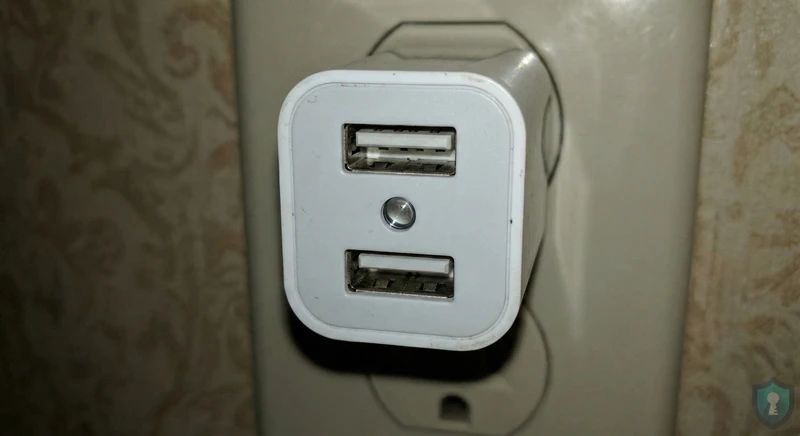
Scammers rely on objects that “blend in.” Always physically inspect these items:
- Smoke Detectors: Is it positioned directly above the bed? Does it have two “lights”?
- USB Chargers: Does the charger block look unusually large? (Fake charger cameras are very common).
- Alarm Clocks: Is the front panel reflective?
- Picture Frames: Is the glass unusually thick or drilled?
- Bathroom Vents: Can you see through the slats?
Action Plan: What to Do If You Find One
If you confirm a hidden camera:
- Do Not Touch It: You want to preserve fingerprints/evidence.
- Document It: Take photos and videos of the device setup. As we discussed in our Find Photo Location Guide, these photos will contain hidden Exif data (GPS coordinates) that prove exactly where and when you found the spy device, which is crucial evidence for the police.
- Leave Immediately: Your safety is the priority.
- Contact Support: Report it to Airbnb/Hotel management and the local police.
The Bottom Line
You shouldn’t let fear ruin your vacation. The vast majority of hosts are honest people. But taking 5 minutes to do a “Flashlight Sweep” and a “Wi-Fi Scan” gives you the peace of mind to truly relax.



