

You have a username. Maybe it is from a suspicious DM, a Tinder match, or an anonymous troll.
Is that the end of the road? No. That username is a key that can unlock their entire digital life.
This investigation technique relies on a simple human weakness: Laziness. Most people use the same username (or slight variations of it) across dozens of websites.
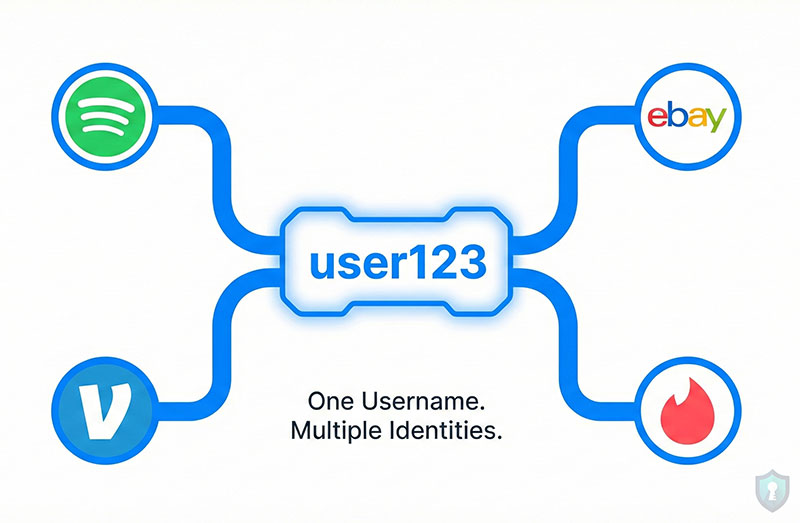
By finding where else that username exists, you can often find their real name, their location, or photos that reveal who they actually are. Here is how to do a “Username Enumeration” investigation for free.
Tool 1: WhatsMyName.app (The Gold Standard)
If you only use one tool, make it this one. It is free, fast, and widely considered the best username search engine by professional investigators.
How to use it:
- Go to WhatsMyName.app.
- Enter the exact username (e.g.,
cool_guy_123) in the search box. - Make sure the “Category” filter is set to “All.”
- Click the Search icon.
What it does: It scans nearly 600 different websites-from massive ones like GitHub and Spotify to niche ones like obscure dating sites or coding forums.
The Results: It will give you a list of direct links.
- Found him on eBay? Check his feedback for his shipping location.
- Found him on Venmo? You just found his real legal name.
- Found him on Steam? You might see his location or friends list.
Tool 2: Instant Username Search (The “Quick Check”)
If WhatsMyName fails, try this tool. It covers different databases and is incredibly fast.
How to use it:
- Go to Instant Username Search.
- Type the username.
- Watch the boxes turn Green (Available) or Red (Taken).
The Strategy: Ignore the “Available” ones. You are looking for the Red (Taken) boxes.
- If “Instagram” is Red, it means that username exists there.
- Click the box to go directly to the profile.
Method 3: The “Google Dork” Trick (No Tools Needed)
Sometimes, automated tools miss things. Google never misses. You can use a special search command (a “Dork”) to force Google to show you every page where that username appears.
The Command: inurl:username
Example: If the username is j_doe99, type this into Google: inurl:j_doe99
Why this works: This tells Google: “Show me every URL that has ‘j_doe99’ inside it.” This is perfect for finding:
- YouTube channels (
youtube.com/user/j_doe99) - Old forum profiles.
- Public Trello boards or Pinterest accounts.
Next Steps: Connecting the Dots
Once you find these other profiles, what do you do?
- Check for Photos: Did you find a profile with a clear face photo? Use our Free Face Search Tools to see where else that face appears online.
- Verify the Person: If the new profiles look suspicious or inconsistent, cross-reference them with our Fake Profile Checklist.
- Check the Real Name: If you find a Venmo or PayPal account connected to that username, you likely have their real legal name.
The Warning: False Positives
“Common” usernames (like mike1990 or catlover) are useless for this. You will find thousands of people who are not your target.
This method works best for unique or complex usernames (e.g., mike_skater_nyc_90). The more unique the name, the higher the chance it is the same person.




