
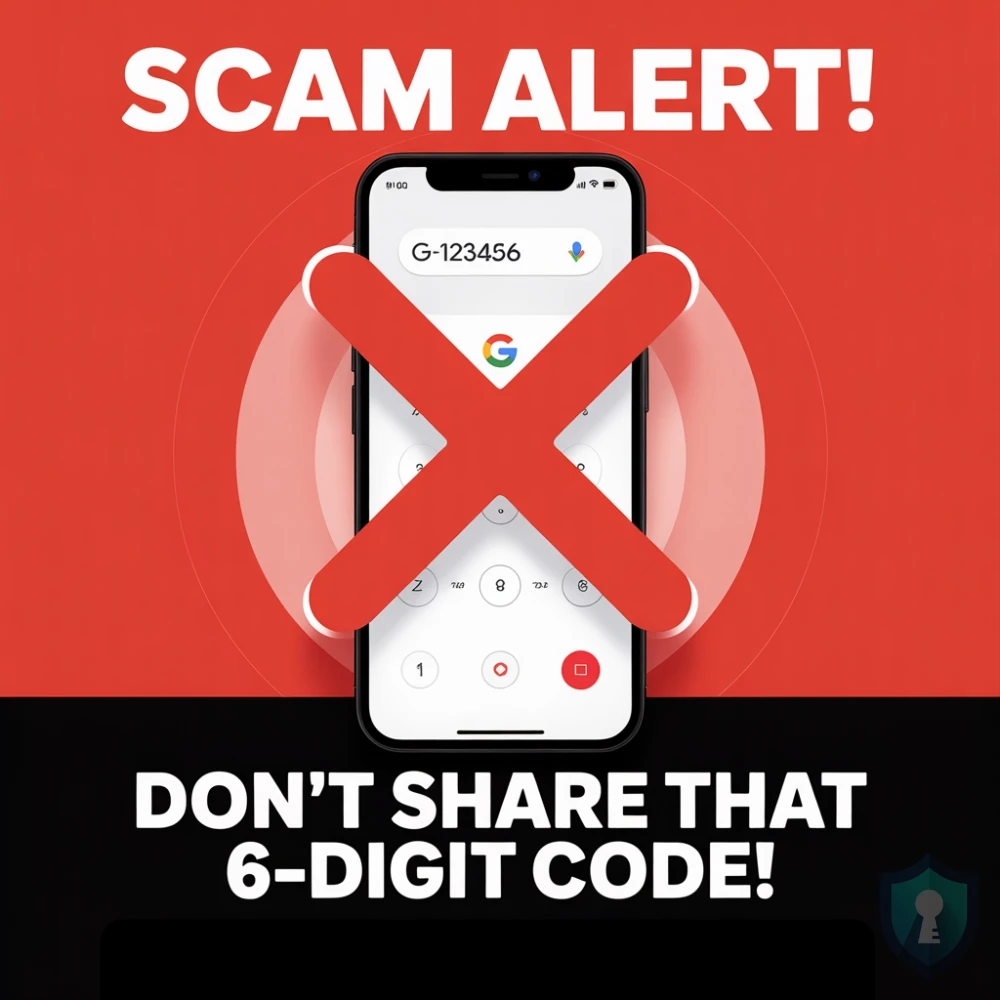
You just posted an old couch or iPhone for sale on Craigslist or Facebook Marketplace. Almost immediately, you get a message from an interested buyer.
They seem eager, but they have one hesitation.
“I am very interested,” they text you (If you are suspicious, you should check their profile picture using our Reverse Image Search Guide). “But I’ve been scammed by fake sellers before. Can I send you a 6-digit code to your phone to verify you are a real person?”
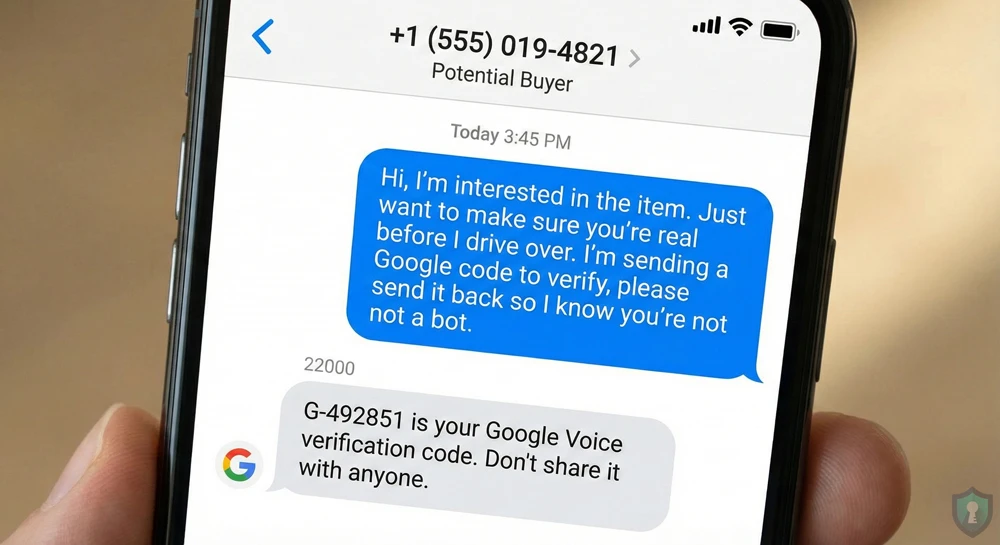
It sounds reasonable. You are real, so you agree.
A text pops up on your phone from Google: “G-123456 is your Google Voice verification code.”
You send the code to the buyer. They stop replying.
What just happened? You didn’t verify anything. You just helped a scammer hijack your phone number to create an untraceable “burner” line.
In this guide, we will explain exactly how the Google Voice scam works and-most importantly-how to reclaim your number if you already fell for it.
You just helped a scammer hijack your phone number, a tactic highlighted by the Identity Theft Resource Center.
The Mechanism: What Are They Doing?
To understand the scam, you need to understand Google Voice.
Google Voice is a free service that gives you a phone number you can use to make calls and texts over the internet. To prevent people from creating thousands of spam numbers, Google requires you to link a real physical phone number to the account for verification.
The Scammer’s Problem: They want a Google Voice number to scam people anonymously, but they have already used up their own phone numbers.
The Solution (You):
- They start the setup process for a new Google Voice number.
- Google asks them: “What is the phone number you want to link?”
- The scammer enters YOUR phone number (which they got from your sales listing).
- Google texts the verification code to YOU, thinking you are the one setting it up.
- When you text that code back to the scammer, they type it into Google.
The Script: How to Spot It
Just like the Wrong Number” text scam, scammers use very specific language to manipulate you. Watch out for these phrases
“I want to buy this immediately, but I need to know you are real first.”
“I am sending you a 6-digit code. Please tell me what it is so I know you aren’t a bot.”
“My sister was scammed last week on here, so I need to verify you.”
The FTC warns sellers that requests for verification codes are the #1 sign of a marketplace scam.
The Golden Rule: Legitimate buyers meet in public and pay cash. They do not need to “verify” you with codes. Never share a 6-digit code sent to your phone with anyone, ever.
Emergency Protocol: What If You Already Sent the Code?
You can also follow the official instructions on the Google Voice Help Center to reclaim your number.
If you realized too late that you shared the code, don’t panic. You can take your number back.
You need to “claw back” your number by claiming it on your own Google Voice account.
Step 1: Go to Google Voice
Go to voice.google.com and sign in with your Gmail account.
Step 2: Create a New Number
Click “Settings” (the gear icon) and look for a button to “New linked number” or “Get a number.”
Step 3: Enter Your Stolen Number
Enter the phone number that the scammer just stole from you. Google will send you a new 6-digit verification code.
Step 4: Verify
Enter the code. Google will warn you: “This number is linked to another account. Do you want to claim it?” Click YES.
This forcefully disconnects your number from the scammer’s account and returns it to you. The scammer will no longer be able to use your number to verify their account.
The Bottom Line
Your phone number is a key to your digital identity. When a stranger asks for a “code” to prove you are real, they are trying to pick the lock. Block them, report them, and keep your codes to yourself.




