
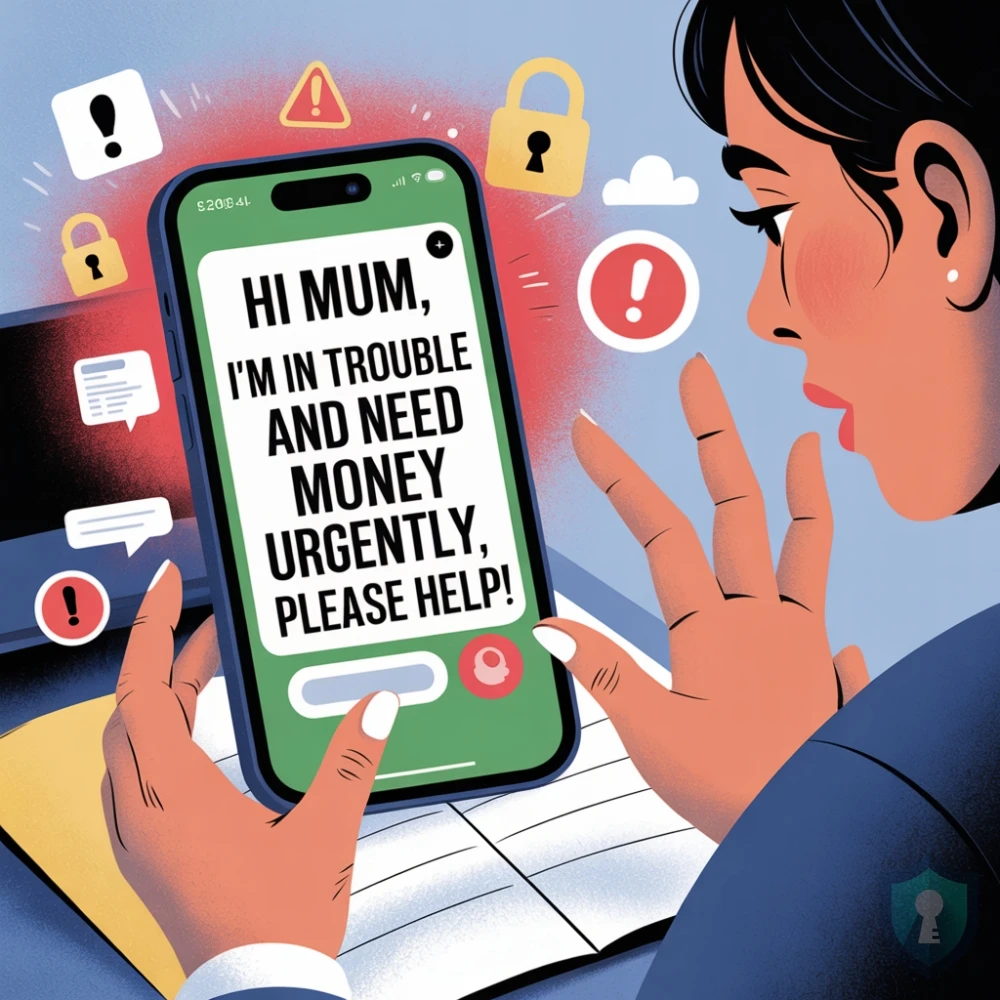
Your phone buzzes. It’s a text message from an unknown number.
“Hi Mum, I dropped my phone in the toilet and it’s completely broken. This is my new number for now. Can you save it?”
It sounds stressful, but plausible. You reply, “Oh no! Are you okay?”
They reply immediately. “I’m fine, but my banking app is locked to the old number and I have a bill that needs to be paid today or I’ll get a late fee. Could you transfer me $200? I’ll pay you back tomorrow when I get my new SIM.”
Stop.
You are not talking to your son or daughter. You are talking to a criminal who has sent this exact message to thousands of people, hoping one of them (you) is a worried parent.
In this guide, we will break down the “Family Emergency” scam and give you a simple trick to stop it instantly.
The Script: How They Fool You
This scam relies on urgency and isolation. By claiming their phone is broken, they explain why they are calling from a random number and why they can’t speak on the phone (“the microphone is broken”).
The FCC (Federal Communications Commission) warns that these scammers specifically target the elderly, often using information scraped from social media to make their lies more convincing.
Phase 1: The “New Number” Bait

They always start with a reason for the number change:
- “Dropped phone in water”
- “Lost phone on the bus”
- “Screen is smashed”
This connects directly to the Wrong Number Text Scam we covered earlier-using a conversational opening to lower your defenses.
Phase 2: The “Urgent Bill”
Once you reply, they spring the trap. They never ask for a million dollars; they ask for something small and realistic-usually between $200 and $900.
- “I need to pay rent.”
- “I need to buy a new phone.”
- “I have an unpaid invoice.”
Because the amount seems reasonable for a “loan,” parents often pay it without thinking.
The “Grandparent” Variant
Sometimes, they call instead of text. They pretend to be a grandchild in trouble—arrested, in the hospital, or stuck in a foreign country.
They will often plead: “Please don’t tell Mom and Dad, I don’t want them to be mad.”
The FTC (Federal Trade Commission) calls this the “Grandparent Scam.” The scammer might even use AI voice cloning to sound exactly like your grandchild.
How to Verify (The “Safe Word” Trick)
If you get a text like this, do not panic. Follow these steps:
- Call the “Old” Number: Even if they say it is broken, call your child’s original phone number. If they answer, the text is a scam.
- Ask a “Challenge Question”: Ask something only your real child would know, but don’t make it something easy to find on Facebook (like a pet’s name).
Bad Question: “What is the dog’s name?” (Easy to find online).
Good Question: “What did we eat for dinner last Christmas?” or “What is the name of your stuffed bear from childhood?” - The “Family Password”: This is the ultimate defense. Agree on a secret code word with your family today. If anyone is ever in real trouble, they must say the word. No password? No money.
What To Do If You Paid
If you transferred money, time is critical.
- Contact Your Bank Immediately: Tell them you were the victim of a “Authorized Push Payment” scam.
- Report the Number: Forward the scam text to 7726 (SPAM) so your carrier can block it.
- Secure Your Data: If you gave them any personal info, check if your data has been leaked using our Data Breach Check Guide.
The Bottom Line
Real emergencies happen, but they rarely require an immediate wire transfer or gift card payment. If your “child” texts you from a new number asking for money, assume it is a lie until you hear their actual voice.




