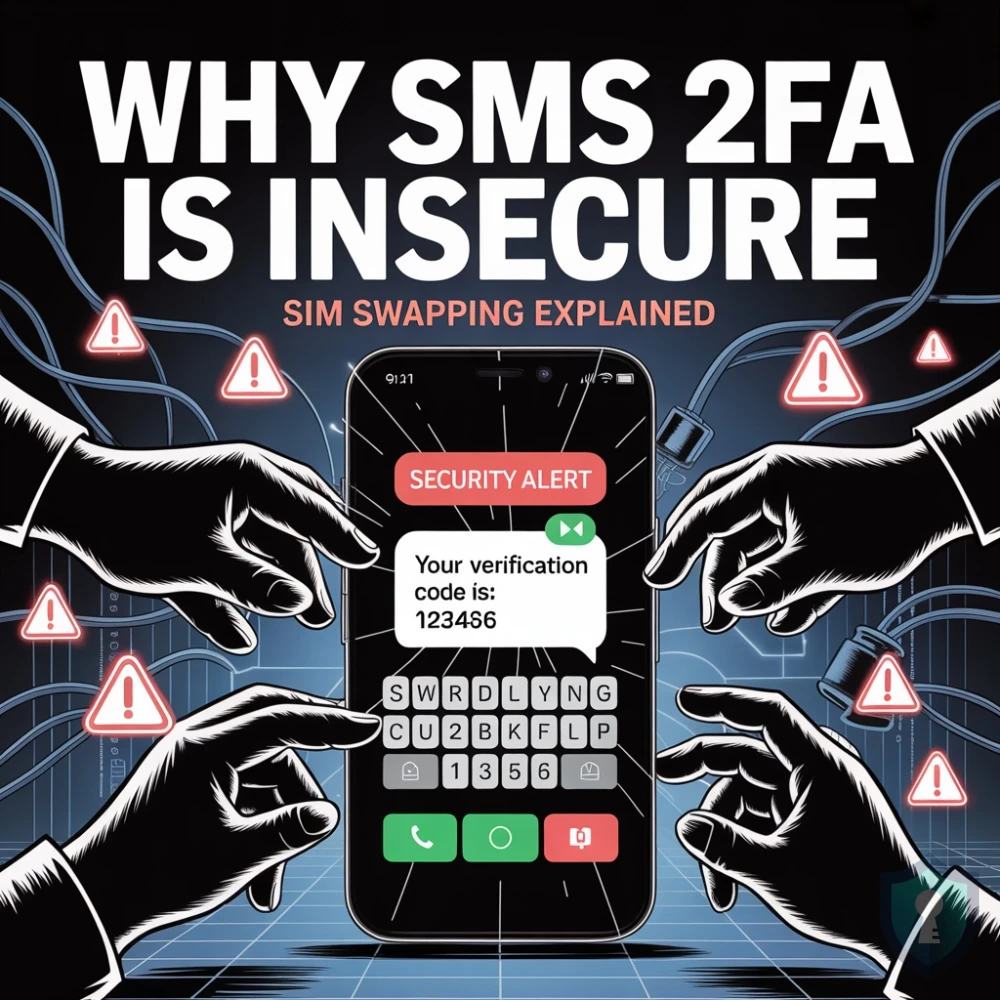
You finally took your digital security seriously. You stopped reusing passwords, set up an encrypted Password Manager, and enabled Two-Factor Authentication (2FA) on your bank, your email, and your cryptocurrency exchange.
Whenever you log in, the website texts a 6-digit code to your phone. Because you are the only person physically holding your iPhone, you assume your accounts are impenetrable.
Unfortunately, this is a dangerous illusion. In the cybersecurity community, SMS (text message) 2FA is considered fundamentally broken. The National Institute of Standards and Technology (NIST) has explicitly warned against using it. If a highly motivated threat actor wants into your account, your phone number is not a locked door-it is a glass window.
Here is an investigator’s breakdown of exactly how hackers bypass SMS 2FA, the mechanics of a SIM Swap attack, and why you must disconnect your phone number from your security protocol today.
1. The Anatomy of a SIM Swap Attack
The most common method hackers use to defeat SMS 2FA does not require them to steal your physical phone. Instead, they steal your phone number by manipulating the weakest link in the security chain: the minimum-wage customer service representative at your telecom provider.
This is known as a SIM Swap (or SIM Jacking).
Every smartphone connects to a cellular network via a Subscriber Identity Module (SIM) card. Your telecom provider (like AT&T, Verizon, or Vodafone) has the power to digitally transfer your phone number from one SIM card to another. This is a legitimate feature designed for when you lose your phone or upgrade to a new device. Hackers exploit this feature through social engineering.
How the Attack Happens:
- The Reconnaissance: The attacker uses OSINT techniques or buys your leaked data from the dark web to find out your name, address, phone number, and the last four digits of your social security number.
- The Call: The attacker calls your telecom provider, pretending to be you. They claim their phone was stolen and beg the representative to transfer “their” phone number to a new, blank SIM card that the hacker physically possesses.
- The Compromise: Using the personal data they gathered, the hacker successfully answers the security questions. The representative hits “transfer.”
- The Takeover: Your phone instantly loses cellular service and says “No Signal.” Meanwhile, the hacker’s phone lights up with your phone number.
When the hacker attempts to log into your bank and the bank sends an SMS 2FA code, it goes directly to the hacker’s device. Your bank account is drained before you even realize your phone lost service.
The SS7 Network Flaw (Interception Without Swapping)
Even if you have extreme security pins set up with your telecom provider to prevent SIM swapping, SMS 2FA is still vulnerable to global network interception.
Text messages are routed through a decades-old global telecommunications protocol called Signaling System No. 7 (SS7). SS7 was built in the 1970s and assumes that anyone connecting to the network is a trusted telecommunications operator. It has virtually zero built-in encryption or authentication.
Sophisticated threat actors can exploit known vulnerabilities in the SS7 network to silently intercept your text messages while they are in transit. You will still have service on your phone, but the hacker’s computer will secretly receive a carbon copy of the 6-digit 2FA code your bank just texted you.
3. The Phishing Threat (Man-in-the-Middle)
SMS 2FA is also incredibly vulnerable to modern phishing attacks using reverse-proxy tools like Evilginx.
If a hacker tricks you into clicking a link that looks exactly like your cryptocurrency exchange, you will type in your username and password. The fake site will then prompt you for your 6-digit SMS code. Your actual exchange will text you the real code, and you will naively type it into the hacker’s fake website.
Because the hacker is acting as a “Man-in-the-Middle,” their automated script instantly takes the 6-digit code you just provided, submits it to the real exchange, and bypasses your 2FA in real-time.
The Verdict: Remove Your Phone Number
| Vulnerability | How the Hacker Exploits It | Your Defense |
|---|---|---|
| SIM Swapping | Socially engineering your telecom provider to port your number to their device. | Remove SMS 2FA. Implement carrier PINs. |
| SS7 Interception | Exploiting unencrypted global telecom networks to read your texts in transit. | Use encrypted 2FA methods that do not rely on cellular networks. |
| Real-Time Phishing | Tricking you into handing over the SMS code via a fake login page. | Utilize Hardware Security Keys (which cannot be phished). |
The Bottom Line
Relying on text messages to secure your most sensitive digital assets is a critical OPSEC failure. Your phone number was designed for communication, not cryptography. It is tied to a highly vulnerable global network and managed by fallible customer service agents.
To achieve true security, you must sever the connection between your phone number and your digital identity. You must upgrade to cryptographic 2FA methods that generate codes offline or require physical hardware.