
You successfully installed the Tor Browser. You see the search bar. But when you type in a query, you quickly realize a fundamental truth of the deep web: Google does not work here.
Because the Dark Web is intentionally unindexed and decentralized, standard search engines cannot crawl it. If you want to find specific forums, leaked databases, or threat intelligence communities, you need specialized search tools built to navigate the .onion network.
Whether you are a cybersecurity student, a threat intelligence analyst, or simply curious, here are the top 8 dark web search engines, their official links, and exactly how to use them safely.
⚠️ OPSEC Warning:
Unlike normal websites, .onion links are cryptographically generated 56-character strings. They frequently go offline, change domains to avoid DDoS attacks, or are copied by hackers creating malicious “phishing” mirrors. The links below are the most current verified v3 addresses, but always exercise extreme caution..
1. Ahmia (The “Safe” Search Engine)
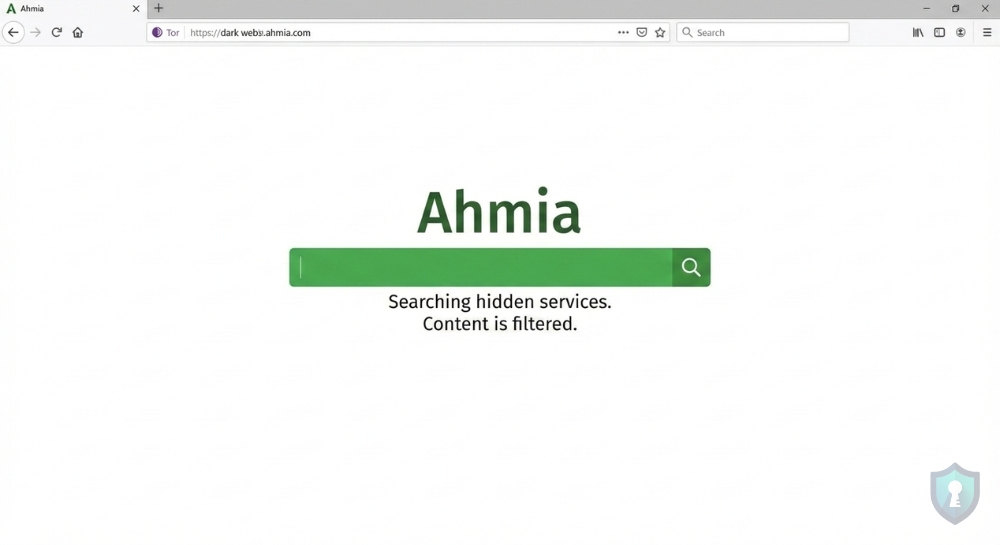
If you are new to Dark Web OSINT, Ahmia should be your first stop. Developed with support from the Tor Project, Ahmia is unique because it actively filters out Child Sexual Abuse Material (CSAM) and other highly disturbing illicit content.
Why use it: It is the safest entry point for researchers and beginners. It actively filters out abusive content and provides clean, ethical OSINT results, allowing you to explore hidden services without stumbling into the darkest corners of the web.
http://juhanurmihxlp77nkq76byazcldy2hlmovfu2epvl5ankdibsot4csyd.onion/2. DuckDuckGo (The Privacy Bridge)
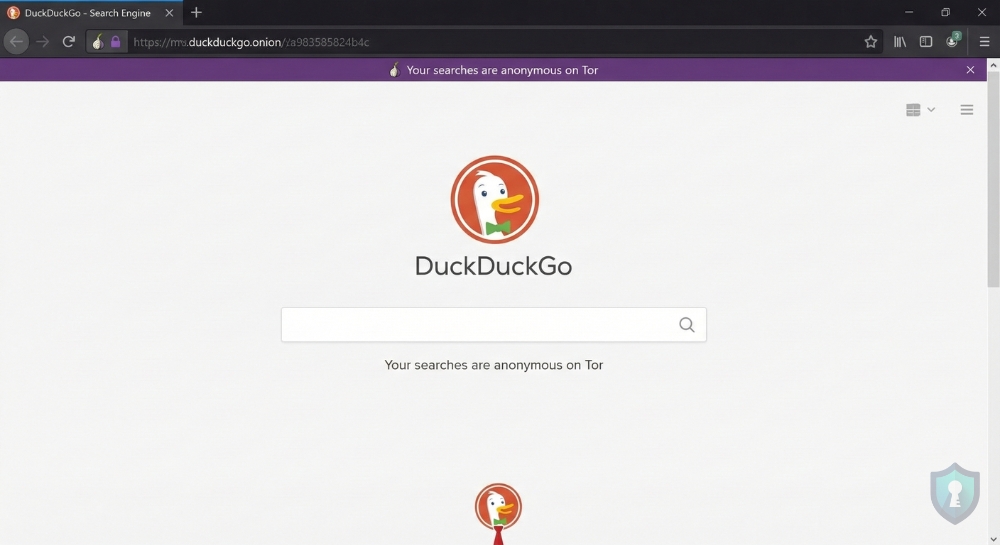
When you open the Tor Browser, DuckDuckGo is the default search engine. It is important to note that DuckDuckGo does not index .onion sites. Instead, it allows you to search the normal, “surface web” with the absolute anonymity of the Tor network.
Why use it: If you want to search for something on the normal internet (like a medical condition or political news) but don’t want your ISP or Google to know you searched for it.
https://duckduckgogg42xjoc72x3sjasowoarfbgcmvfimaftt6twagswzczad.onion/3. Torch (The “Old Guard”)
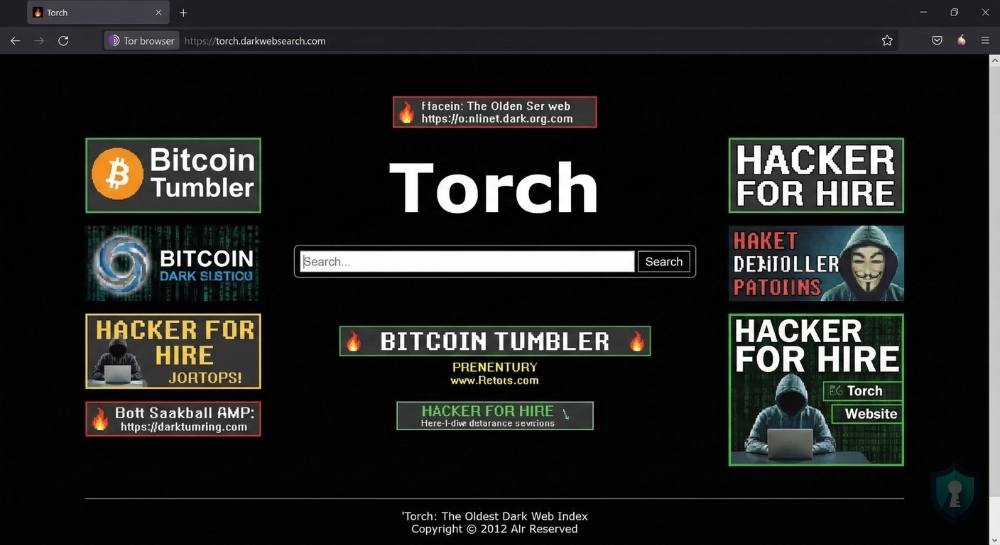
Running since 2012, Torch is one of the oldest and most well-known search engines on the Tor network. Because it has been indexing for over a decade, it boasts a massive database of over a million hidden links.
Why use it: As one of the oldest active search engines on the Tor network, its massive, unfiltered historical database is unparalleled for finding older, established dark web forums that newer engines might miss.
⚠️ Warning: It is filled with ancient, broken links and advertisements for scams. Browse with caution.
http://torchdeedp3i2jigzjdmfpn5ttjhthh5wbmda2rr3jvqjg5p77c54dqd.onion/4. Haystak (The Deep Indexer)
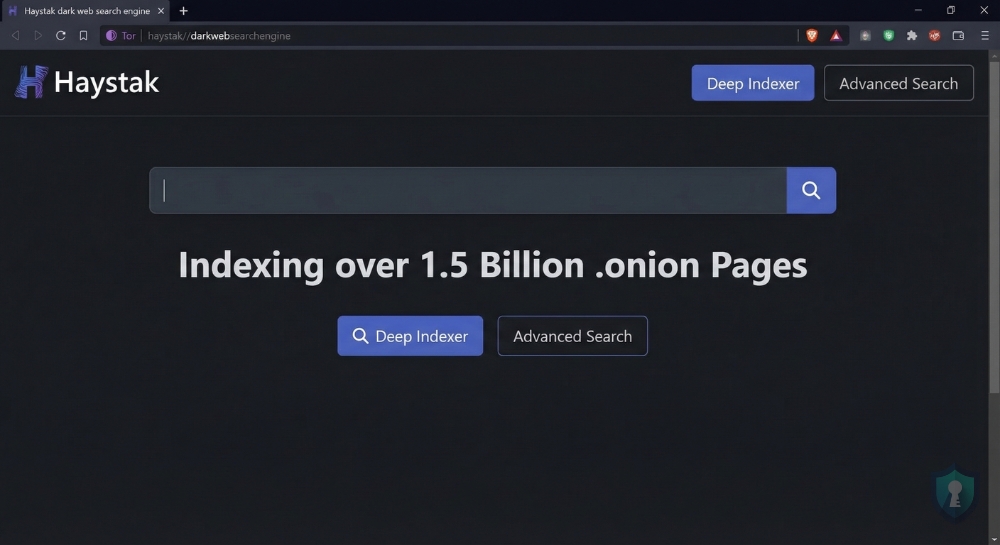
Haystak is an incredibly powerful tool for OSINT investigators. It claims to have indexed over 1.5 billion pages across hundreds of thousands of .onion sites.
Why use it: It boasts an unmatched index size, and its premium version allows advanced threat intelligence analysts to search using specific data filters and regular expressions (Regex) for highly targeted deep-dive investigations.
http://haystak5njsmn2hqkewecpaxetahtwhsbsa64jom2k22z5afxhnpxfid.onion/5. Excavator (The OPSEC Standard)
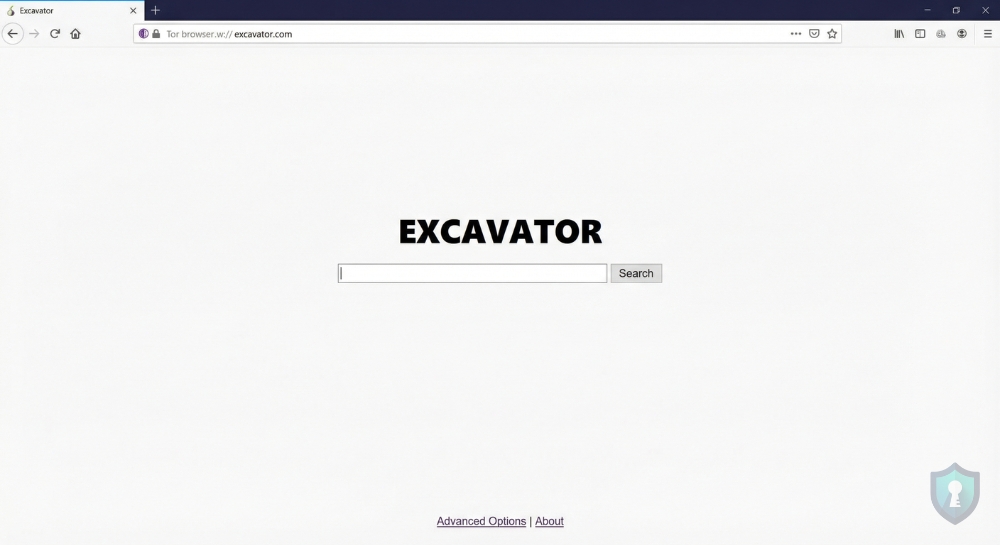
Excavator is highly respected by privacy advocates because it is incredibly lightweight and operates completely without JavaScript. (JavaScript can sometimes be exploited by hackers to reveal your real IP address).
Why use it: It operates completely without JavaScript, making it an ad-free, highly secure option for investigators working under strict OPSEC environments where avoiding malicious tracking scripts is critical.
http://zqktlwiuavvvuo.onion/wiki/index.php/Main_Page (Note: Mirrors change often).6. Phobos (The Speed Search)
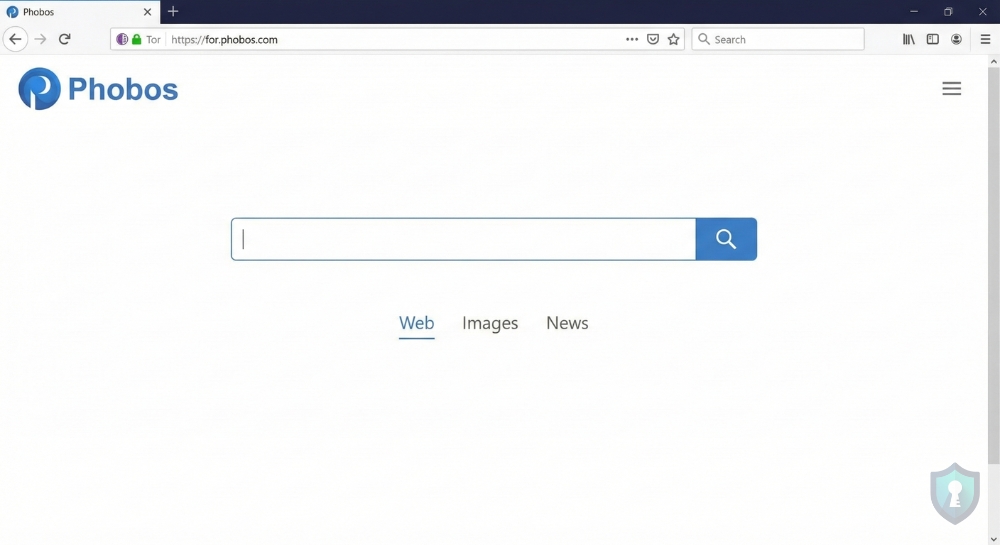
Phobos is a newer, highly efficient search engine that functions very similarly to the surface web’s Yahoo or Bing. It has a clean, user-friendly interface and tends to load much faster than older engines like Torch.
Why use it: It offers extremely fast loading times and a clean, familiar interface, making it perfect for quick searches without the frustrating lag typical of the Tor network.
http://phobosxilamwcg75xt22id7aywkzol6q6rfl2flipcqoc4e4ahima5id.onion7. OnionLand Search (The Reliable Tracker)
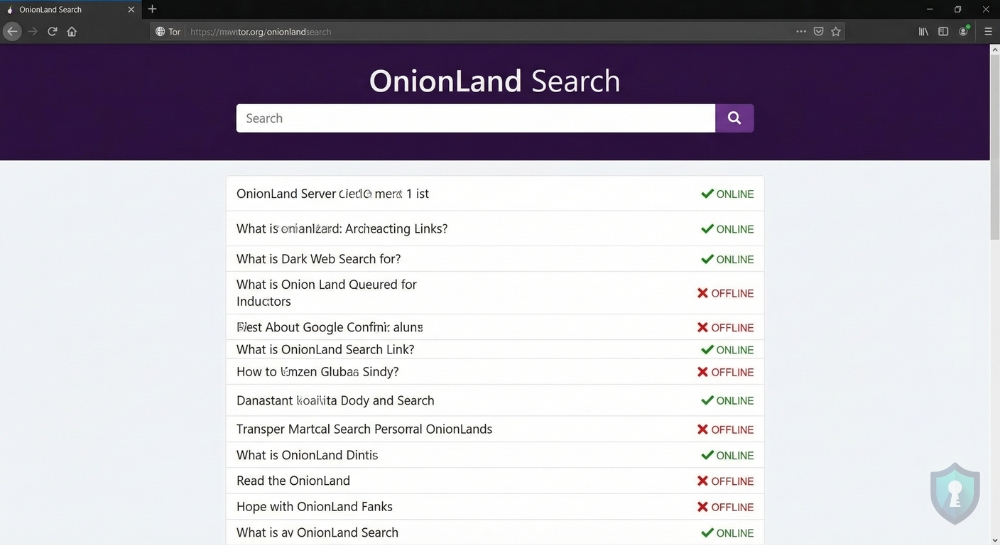
OnionLand Search is an excellent utility tool. Not only does it allow you to search for keywords, but it also provides status updates on whether a specific .onion link is currently online or offline.
Why use it: It acts as a reliable utility tool that flags whether a specific .onion link is currently active or dead, saving investigators massive amounts of time before they attempt to connect to offline servers.
http://3bbad7fauom4d6sgppalyqddsqbf5u5p56b5k5uk2zxsy3d6ey2jobad.onion8. Deep Search (The Marketplace Finder)
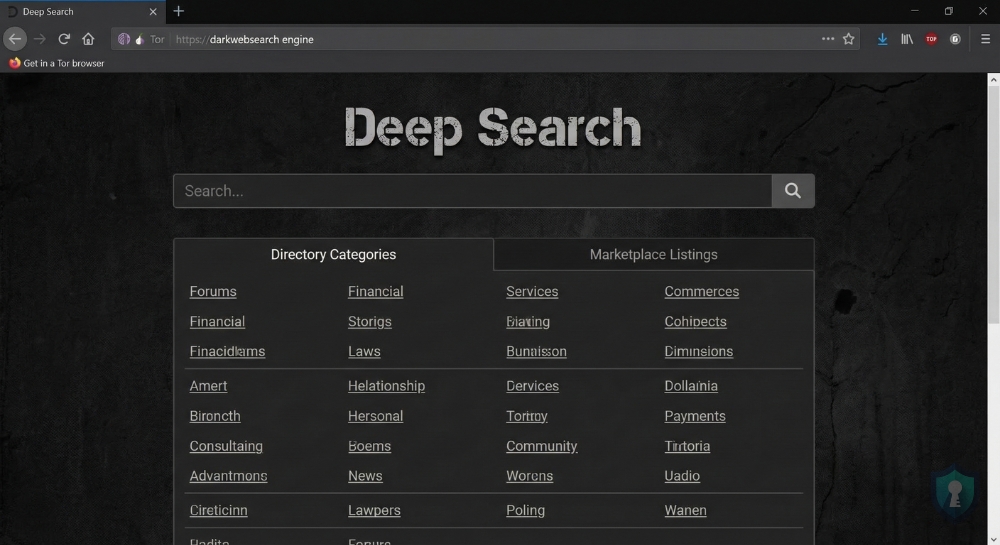
Deep Search is a no-nonsense engine that was built from the ground up to parse through complex dark web directories. It is heavily utilized by users looking to find active cryptocurrency tumblers, hacking forums, and specific vendor shops.
Why use it: It is a raw, unfiltered engine built specifically for parsing complex dark web directories, making it ideal for tracking financial fraud, leaked databases, and underground vendor shops.
http://search7tdrcvri22rieiqgi5hmcb7ubxg2l5xebfyre2zdxqgtd4hqid.onionThe Onion Search Engine Comparison Table
To help you choose the right tool for your investigation, here is a breakdown of how these 8 search engines compare:
| Search Engine | Index Size | Content Filtering | Ad Heavy? | Best Used For |
|---|---|---|---|---|
| Ahmia | Medium | Strict (Filters CSAM) | No | Safe, ethical OSINT research. |
| Torch | Massive | None | Yes | Finding the oldest dark web links. |
| Haystak | Massive | Minimal | Yes | Advanced queries and deep data dives. |
| DuckDuckGo | Surface Web | Surface Web Standards | Minimal | Anonymous surface web browsing. |
| Excavator | Medium | Minimal | No | High-OPSEC, JavaScript-free searches. |
| Phobos | Large | Minimal | No | Fast loading times and simple interface. |
| OnionLand | Large | Minimal | Minimal | Checking if a .onion link is online/offline. |
| Deep Search | Medium | None | Yes | Locating underground marketplaces. |
Advanced OSINT: Dark Web Search Tactics
If you type a broad phrase like “hacker forum” into Torch, you will be hit with tens of thousands of spam pages and phishing links. Dark Web search engines do not use advanced algorithms or “PageRank” like Google; they rely on very literal keyword matching. To actually find what you are looking for, you must change your search habits:
- Use Exact Match Quotes: Always wrap your search queries in quotation marks (e.g.,
"Shopify database leak 2026"). This forces the engine to only return pages with that exact phrase, filtering out 90% of the junk results. - Be Hyper-Specific: Do not search for general concepts. Instead of searching for “malware,” search for specific file extensions or known vulnerabilities (e.g.,
"CVE-2025-0193 exploit"or"ransomware decryptor tool"). The more technical and specific your query, the more likely you are to find legitimate threat intelligence.
Directories vs. Search Engines
While search engines are excellent for finding specific keywords hidden deep in forums, they are also incredibly dangerous because they index everything—including thousands of fake scam sites designed to steal your cryptocurrency.
Experienced investigators do not rely solely on search engines; they use Curated Directories.
A directory does not index the whole network. Instead, it acts as a verified address book for the most popular and legitimate hidden services. Before using a search engine like Haystak to find a marketplace, check trusted directories like Tor.Taxi or Dark.Fail. These sites act as community watchdogs, providing PGP-verified .onion links to ensure you are visiting the real forum and not a hacker’s mirror site.
The “Red Flag” Survival Checklist
Before you click on a single link generated by Excavator or Deep Search, you must implement these three non-negotiable OPSEC rules:
- Set Tor to “Safest”: By default, the Tor Browser allows JavaScript to run. Malicious sites use JavaScript to de-anonymize you and find your real IP address. Click the shield icon in the top right of your Tor Browser, go to Settings, and change your Security Level to “Safest.”
- Never Download Documents: If a search result links to a PDF, Word Document, or
.exefile, do not download it. Documents can contain macro viruses or tracking pixels that will immediately ping the attacker with your real IP address the moment you open the file on your local machine. - Always Verify PGP: If a search engine leads you to a vendor shop or a forum login page, assume it is a phishing site until proven otherwise. Legitimate dark web platforms provide a PGP signature. You must independently verify that signature to ensure the site is authentic.
The Bottom Line: Search Safely
Just because you are using a dark web search engine does not mean you are immune to OPSEC failures. Many links found on Torch or Deep Search will lead directly to phishing sites designed to steal your cryptocurrency, or malware designed to infect your computer.
Before you begin clicking on .onion links, ensure you are not using your everyday operating system. We highly recommend running Tails OS from a USB drive and keeping your VPN active to maintain total anonymity.